GPUs need a steady data path
Datasets and checkpoints can leave valuable GPU capacity waiting when storage and networking are planned separately.
AI MODEL TRAINING
Build training capacity around your model, data path, and timeline. Dedicated NVIDIA GPU systems, high-speed networking, and clear reservation pricing give your team a foundation from the first run to production.
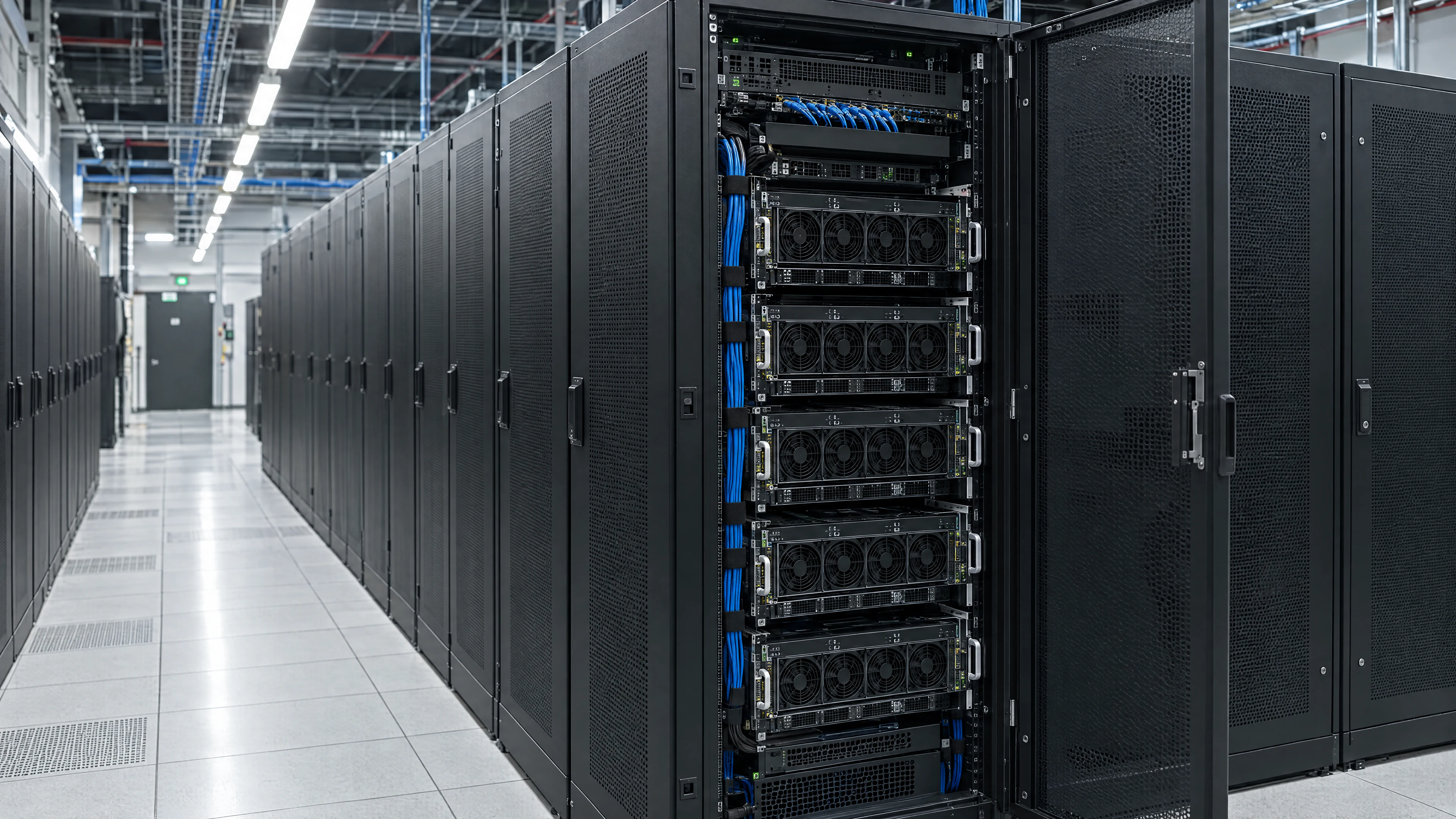
THE TRAINING BOTTLENECKS
Long runs depend on more than GPU count. Data movement, system fit, and recovery planning all shape how quickly a team can test an idea and learn from it.
Datasets and checkpoints can leave valuable GPU capacity waiting when storage and networking are planned separately.
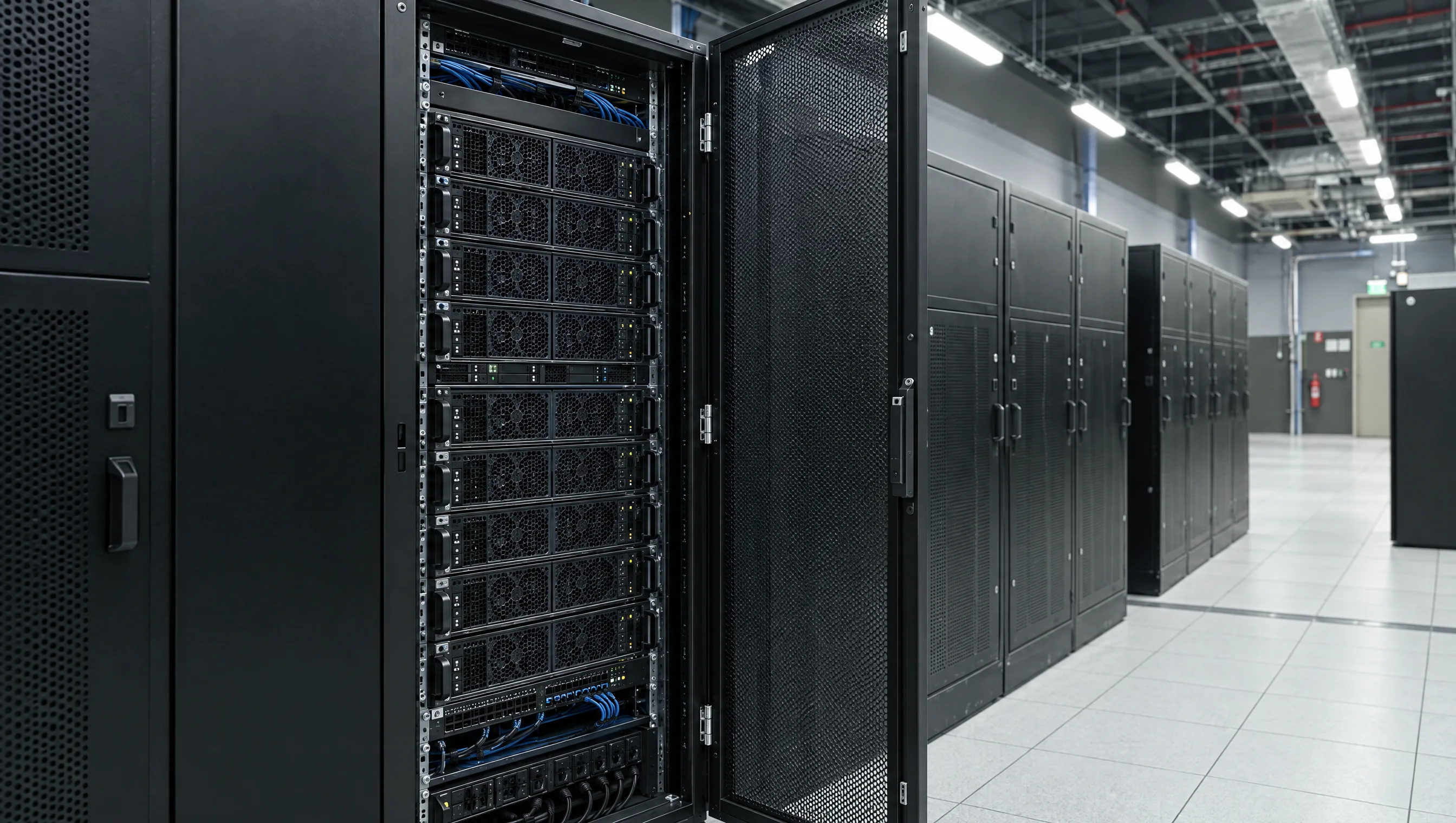
Memory, interconnect, and node count need to work together for the model and the way your team trains it.

An interruption can affect a long experiment. Acceptance checks and a clear recovery path help teams plan for continuity.
HOW IT HELPS
DATA FLOW01
Plan the network and storage path with your GPU capacity so datasets and checkpoints fit the way your team works.
Explore network and storageGPU CAPACITY02
Compare dedicated 8-GPU nodes and rack-scale configurations by memory, interconnect, and workload needs.
Explore GPU systemsACCEPTANCE03
Review load, memory, network, and thermal test results before your cluster is handed over.
Review acceptance testingTEAMS USING TENSORBAY
TESTED BEFORE HANDOVER
Every cluster goes through 72 hours of load, memory, network, and thermal tests. Your team reviews the results before approving delivery.
Load · memory · network · thermal checks
AI WORKLOADS
05Invest in your next move
Choose your reservation term, compare capacity, and plan your investment. Here, the conversation starts with open pricing.
| GPU and memory | Monthly termCapacity reserved on a monthly term | Yearly termLower hourly rate |
|---|---|---|
NVIDIAHGX B300288 GB HBM3e per GPU | Monthly from Quote monthlyUS$ 83.20/h | Yearly from Quote yearlyUS$ 58.50/h |
NVIDIAHGX B200180 GB HBM3e per GPU | Monthly from Quote monthlyUS$ 72.80/h | Yearly from Quote yearlyUS$ 50.70/h |
NVIDIAHGX H200141 GB HBM3e per GPU | Monthly from Quote monthlyUS$ 44.20/h | Yearly from Quote yearlyUS$ 31.20/h |
NVIDIAHGX H10080 GB HBM3 per GPU | Monthly from Quote monthlyUS$ 28.60/h | Yearly from Quote yearlyUS$ 19.50/h |
The hourly rate covers the complete 8-GPU node. Choose a term to request your quote.
Every detail accounted for
See what is included and explore rates for storage, data transfer, and networking.
Talk to a specialistUSD prices per 8-GPU HGX node-hour; rack-scale systems are quoted per rack. Taxes excluded. Managed Slurm and Kubernetes control planes are included. Storage and Direct Connect follow the rates above. Ask about long-term contract options.
Get my proposalPublished HGX prices are in USD per hour for a complete node with 8 GPUs, within a monthly or yearly reservation. NVL72 systems are quoted per rack. Taxes are not included.
Compare GPU memory, network requirements and your training or inference workload. The hardware section lists H100, H200, B200, B300 and full rack systems. Our team can help size a configuration based on your model, dataset and capacity requirements.
Yes. TensorBay offers dedicated NVIDIA GPU infrastructure for model training, fine-tuning and inference. You can work with Slurm, Kubernetes or SSH and configure the software environment for your workload.
Share the GPU, capacity and reservation term you need, or describe your project. Our team reviews the requirements and prepares a proposal within 48 hours, including configuration and delivery timing. Capacity and final terms are confirmed in the proposal.
EXPLORE TENSORBAY
Explore the GPU systems, infrastructure, and pricing that can move your AI project forward.
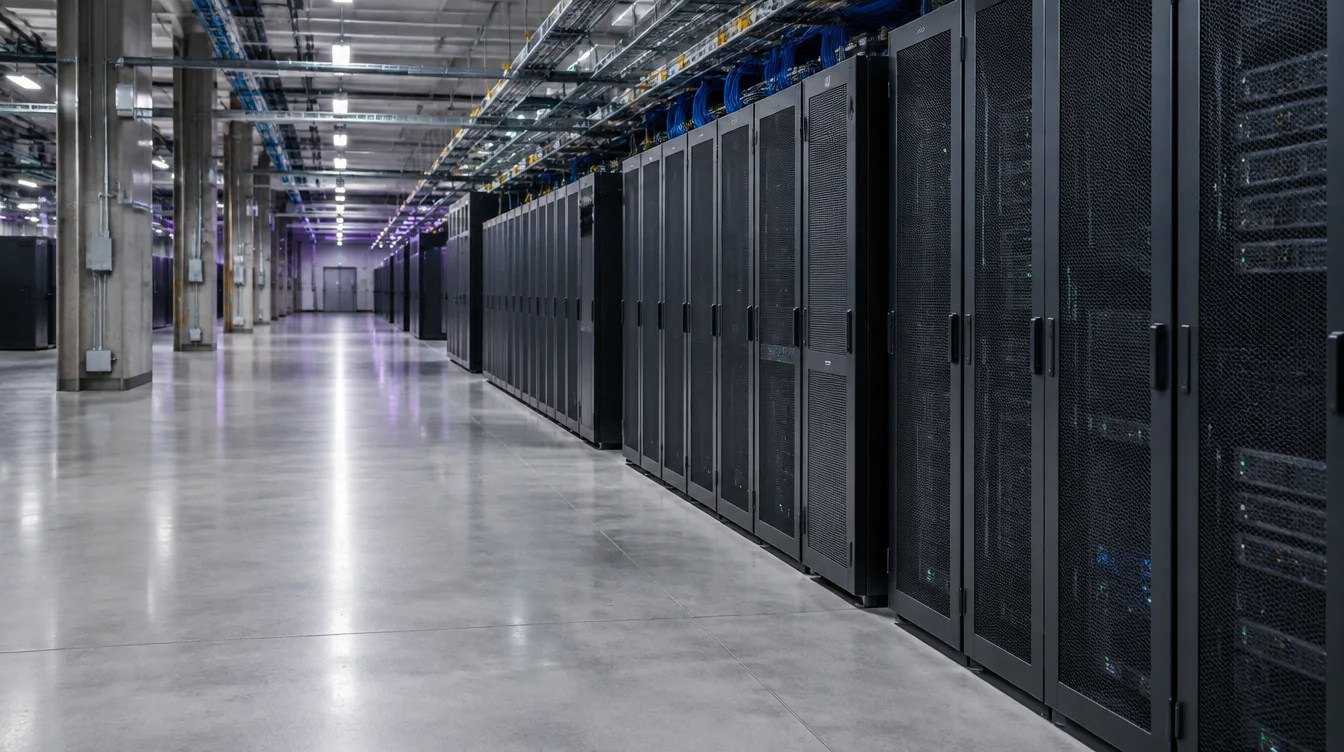
EARLY RESERVATIONS
Review the Vera Rubin rack-scale configuration and its early reservation timeline.
NVIDIA VR200 NVL72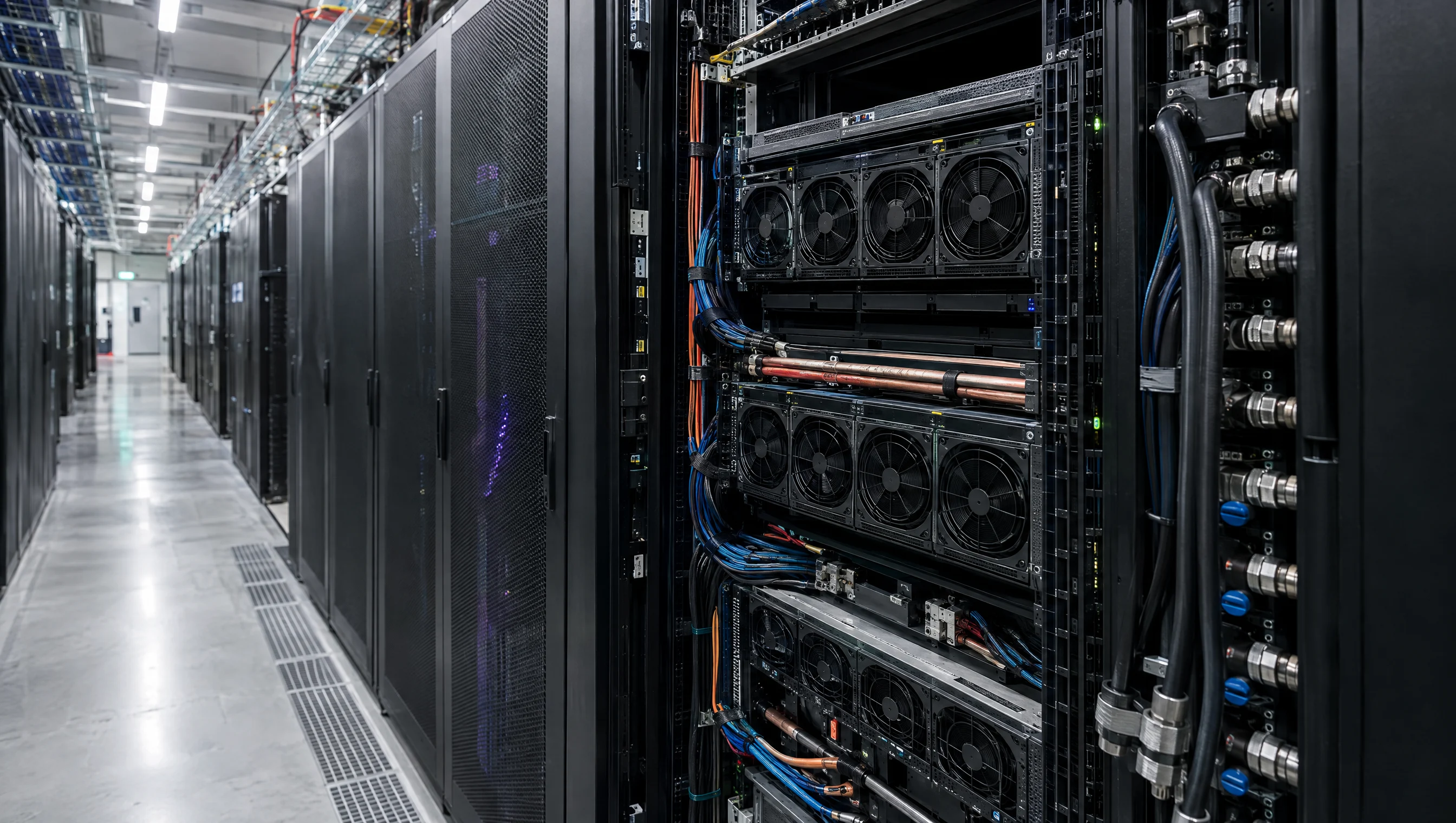
GPU COMPUTE
Compare TensorBay GPU configurations from the newest generation to the previous ones.
Find the right NVIDIA GPU
PRICING
Compare monthly and yearly reservations for GPU nodes and rack-scale systems.
Plan with published rates08Give your idea room to grow
Bring us your challenge. Our team will help define your GPUs, capacity, and timeline. Get a proposal within 48 hours to launch your project or take it further.