
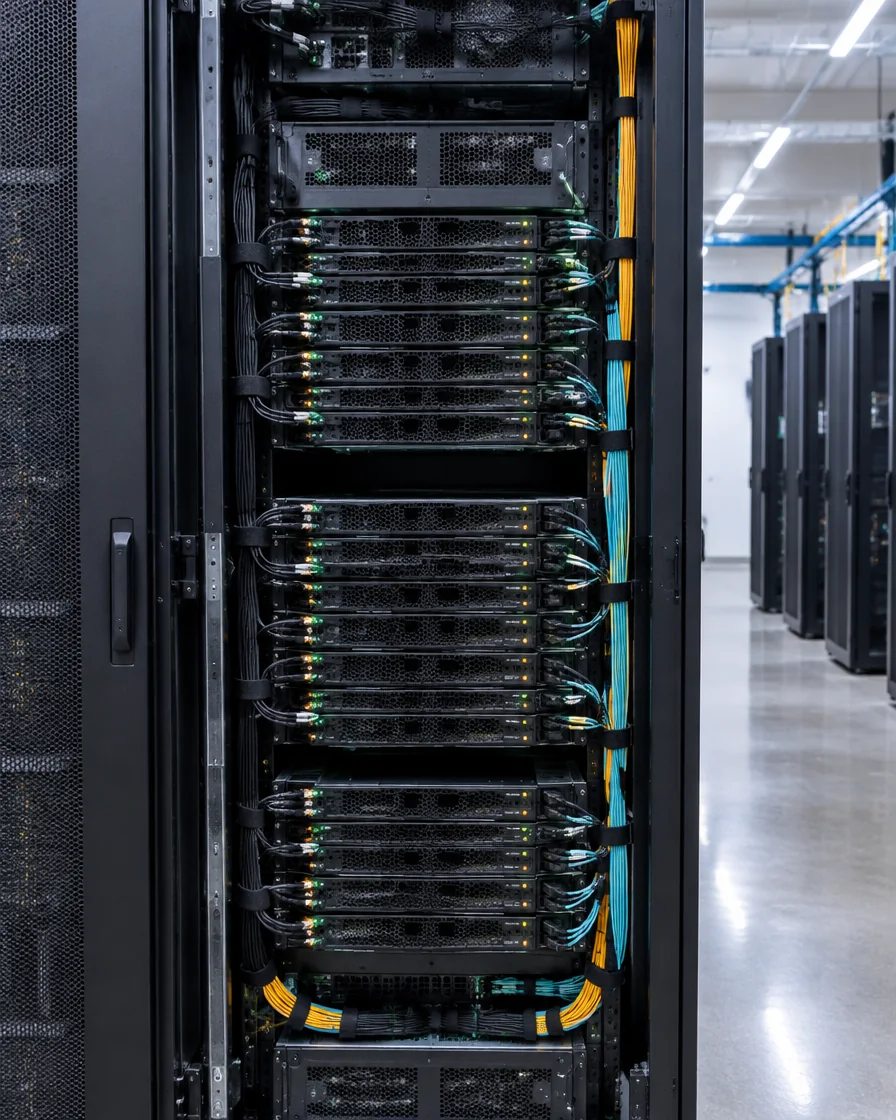
Dedicated compute in each HGX node.
INFRASTRUCTURE BUILT AROUND THE GPU
AI data centers built for what comes next.
Compute, power, cooling, networking, and operations are planned together, so your GPUs can stay focused on the work.
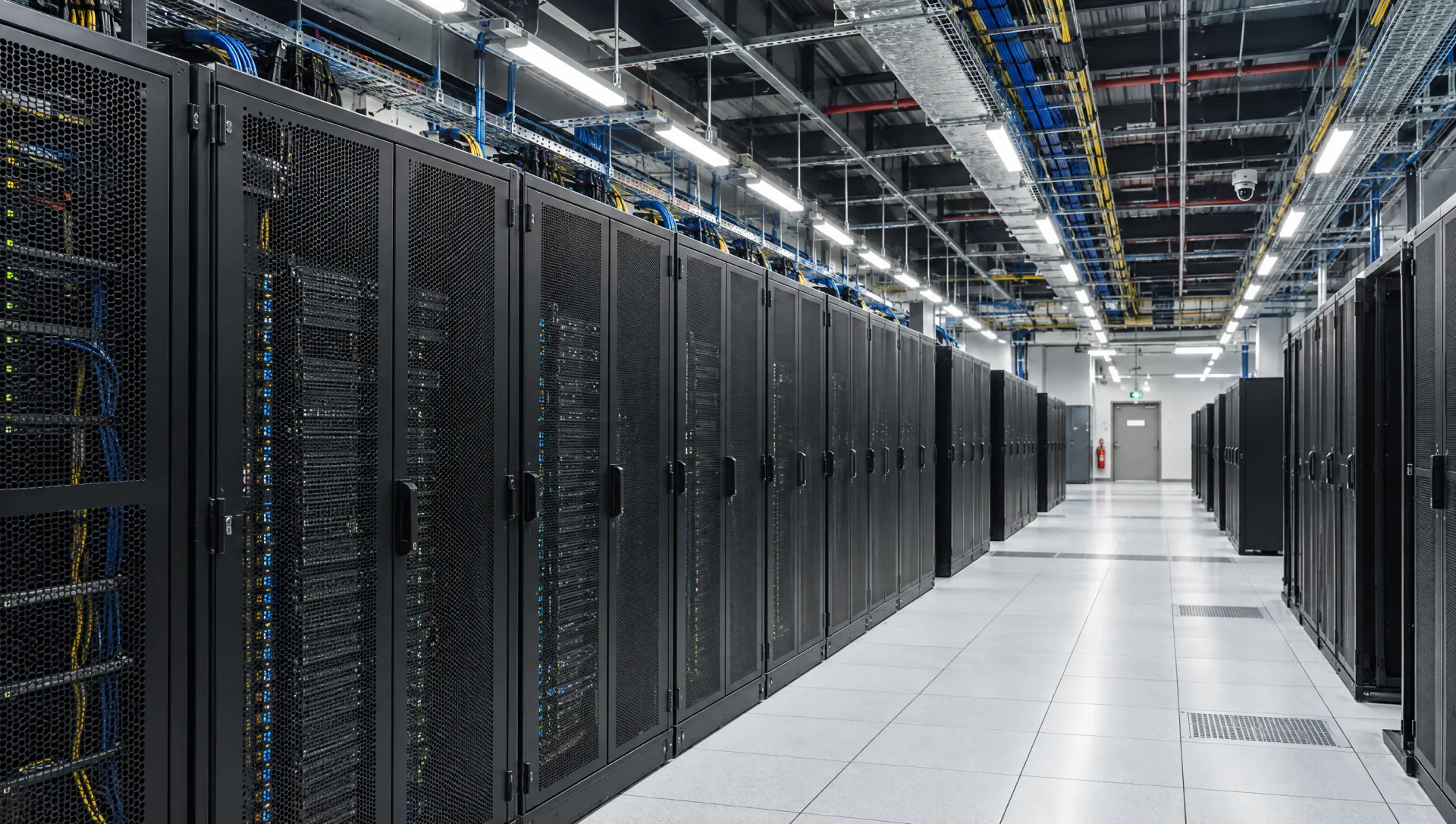
PURPOSE BUILT FOR AI
A GPU cluster starts with the facility.
Compute depends on the systems around each GPU: rack design, power and cooling, networking, and storage.
Of system checks before cluster handover.
Rack power and direct-to-chip cooling planned for dense GPU systems.
ENGINEERING THAT KEEPS WORK MOVING
More time for the work that matters.
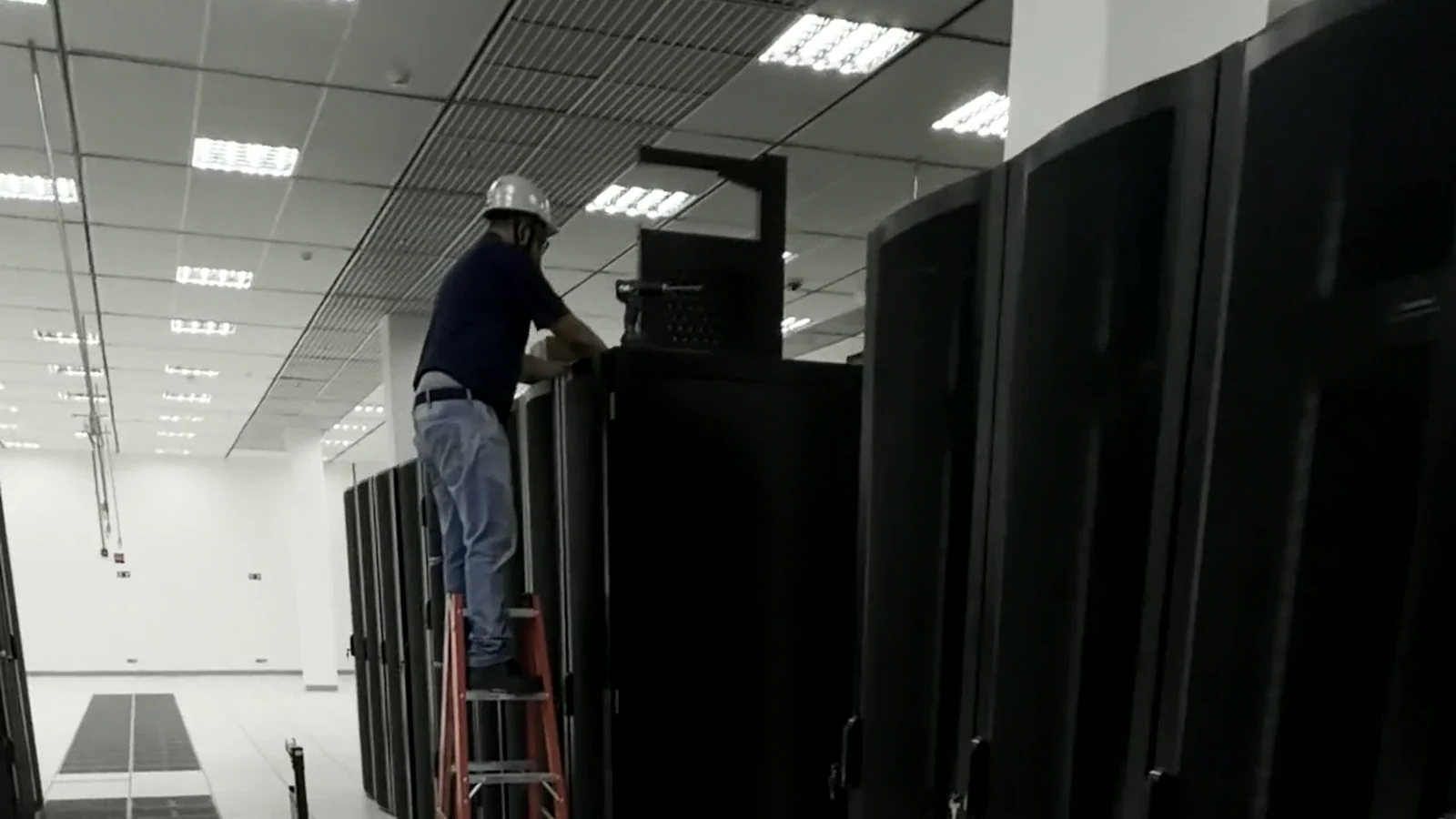
A cluster is more than a server. TensorBay plans the facility, network, and storage around the workload, then checks the system before handover.
- 01
Plan around the workload
GPU systems, networking, and storage are scoped around the training or inference task.
- 02
Validate the cluster
Each cluster goes through 72 hours of load, memory, network, and thermal checks.
- 03
Review before handover
Your team can review the test results and deployment configuration before work begins.
INFRASTRUCTURE BUILT FOR AI
The systems around the GPU matter.
Explore the compute, facility, and network layers that support AI training and inference.
- 01
GPU COMPUTE
Dedicated compute, built around your model
Choose from the newest NVIDIA GPU nodes and rack-scale systems for training, fine-tuning, and inference.
Explore GPU systems 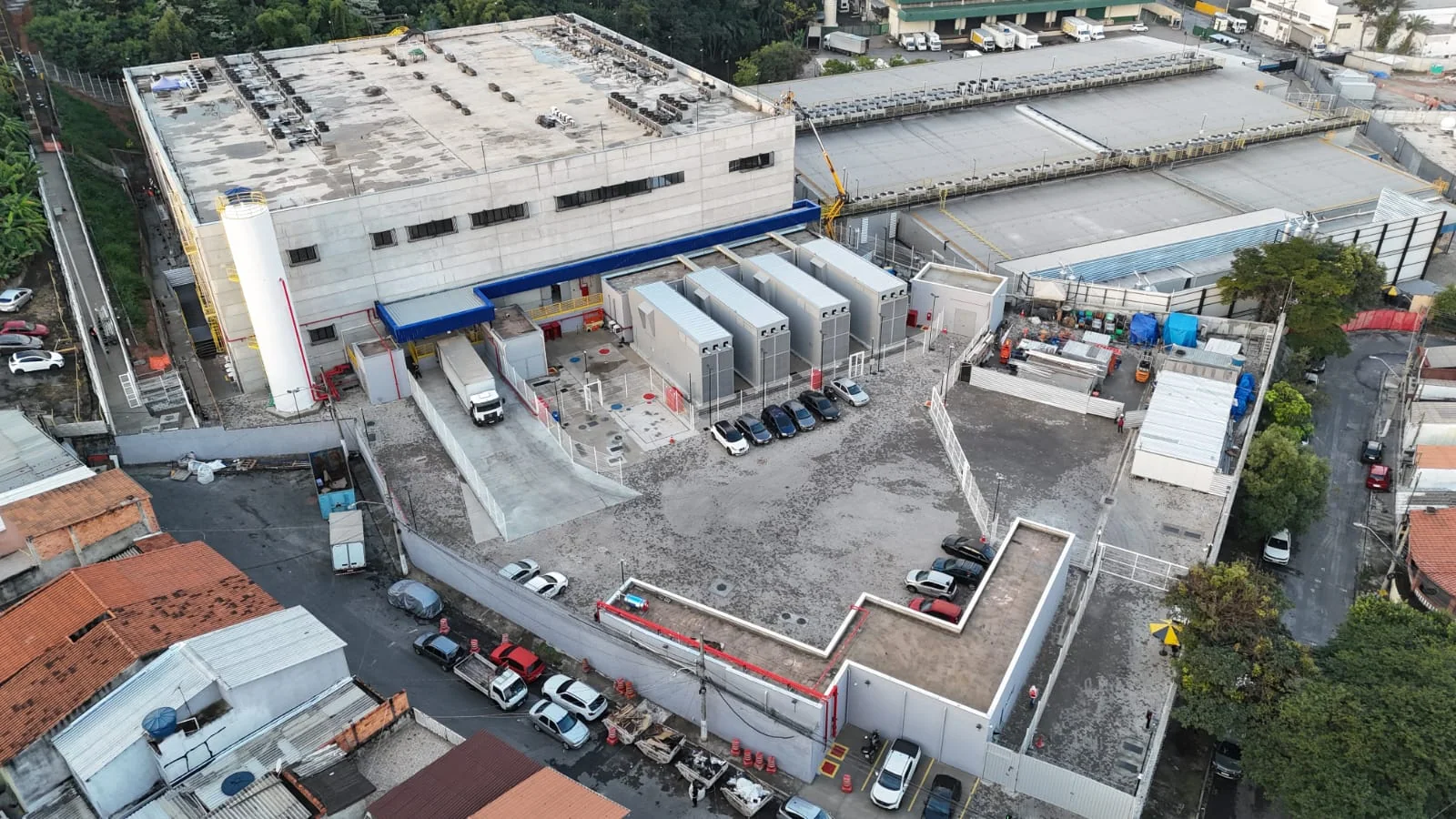 02
02GLOBAL SITE FOOTPRINT
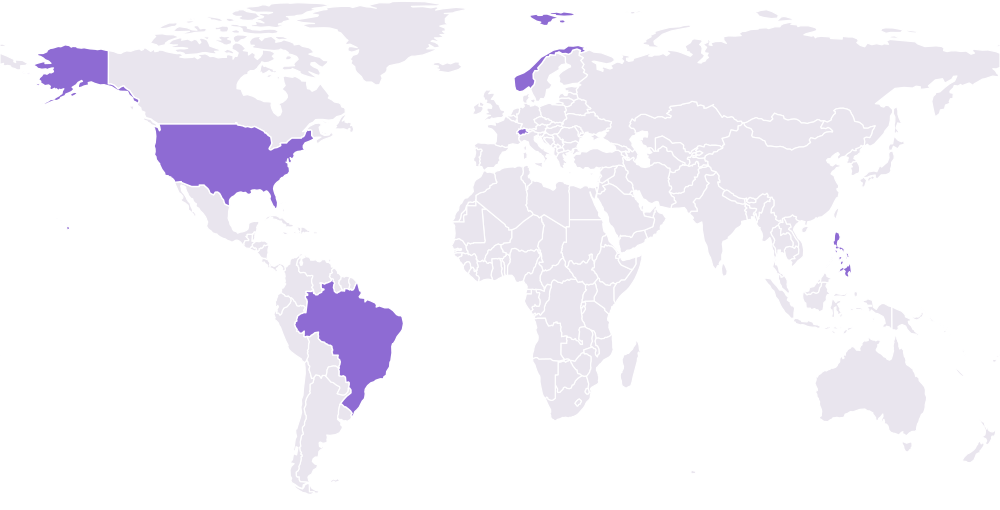
Infrastructure across five countries
TensorBay sites span North America, South America, Europe, and Asia, with teams ready to discuss your infrastructure needs.
See our locations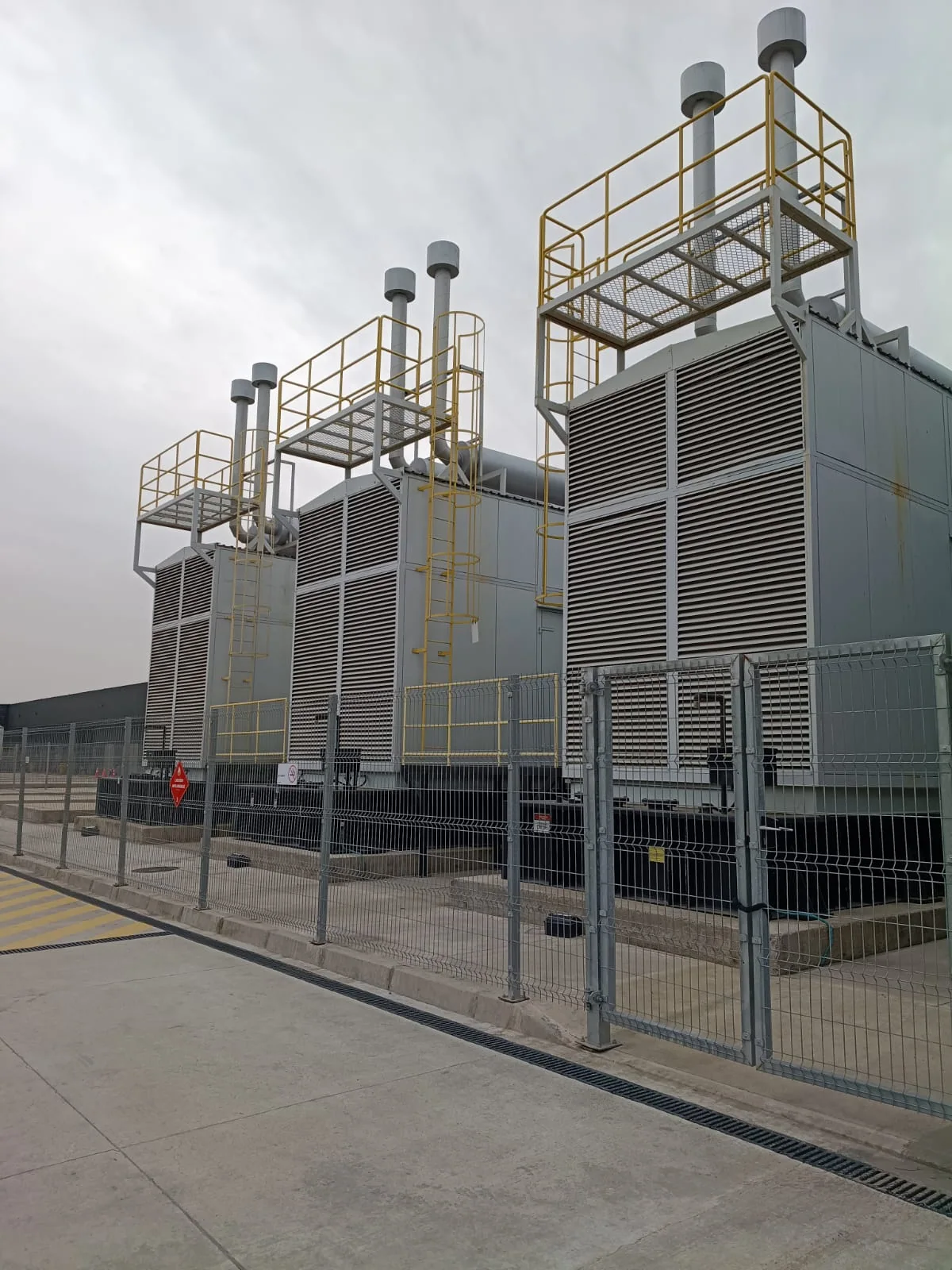 03
03BUILT FOR EFFICIENCY
Plan every watt for AI
High-density GPU systems pair rack power and direct-to-chip cooling in a 130 kW design for demanding workloads.
Explore GPU systems
AI DATA CENTER LOCATIONS
Infrastructure for what comes next.
TensorBay sites span five countries. Across every location, compute, cooling, networking, and operations are planned around AI workloads.
INFRASTRUCTURE BUILT AROUND YOUR WORKLOAD
- 01
LIQUID COOLING
Move heat away at the source
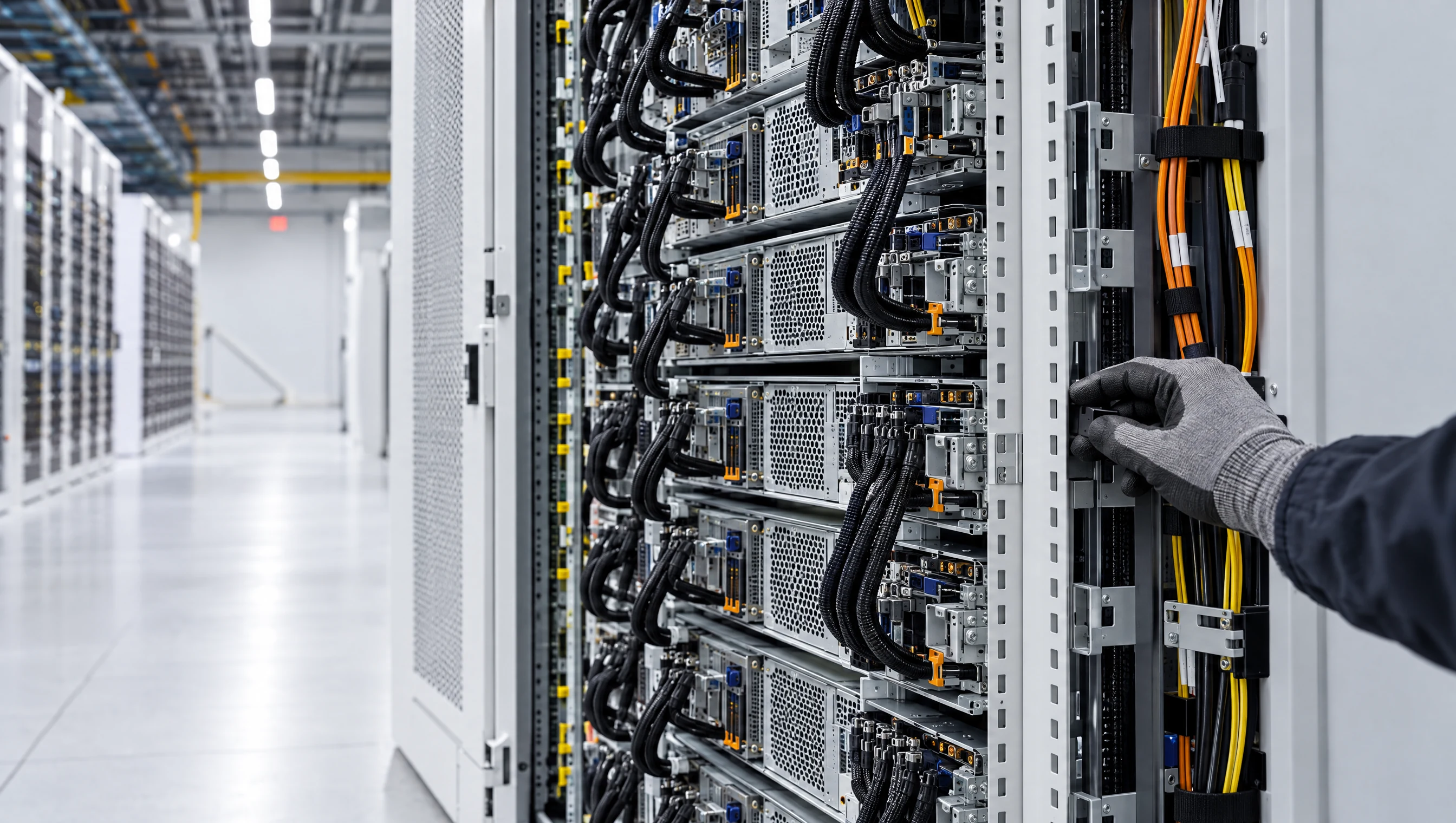
Direct-to-chip liquid cooling is part of the 130 kW rack design, helping manage the thermal demands of dense GPU systems.
Explore GPU systems - 02
RACK DENSITY
Power planned at rack scale
Power delivery, cooling, and rack density are planned together around each GPU configuration.
Explore GPU systems - 03
HIGH-SPEED NETWORKING
Keep distributed compute in sync
InfiniBand topology and bandwidth are planned around cluster size and how models communicate.
Explore the network - 04
ACCELERATED STORAGE
Keep data and checkpoints close
NVMe and storage are scoped to dataset movement, checkpoint cadence, and workload throughput.
Explore storage - 05
ON-SITE EXPERTISE
Validate before the cluster goes live
Load, memory, network, and thermal checks are reviewed with your team before handover.
See our cluster checks - 06
SECURITY
Protect the systems behind your work
Review physical access, identity, data protection, and media-handling controls for your deployment.
Review security controls
EXPLORE THE INFRASTRUCTURE
Go deeper into the systems around the GPU.
Explore the compute, data path, and cluster checks that turn a facility plan into a ready environment.
COMPUTE
NVIDIA GPU configurations
Compare dedicated nodes and rack-scale systems for training, fine-tuning, and inference.
NVIDIA GPU configurations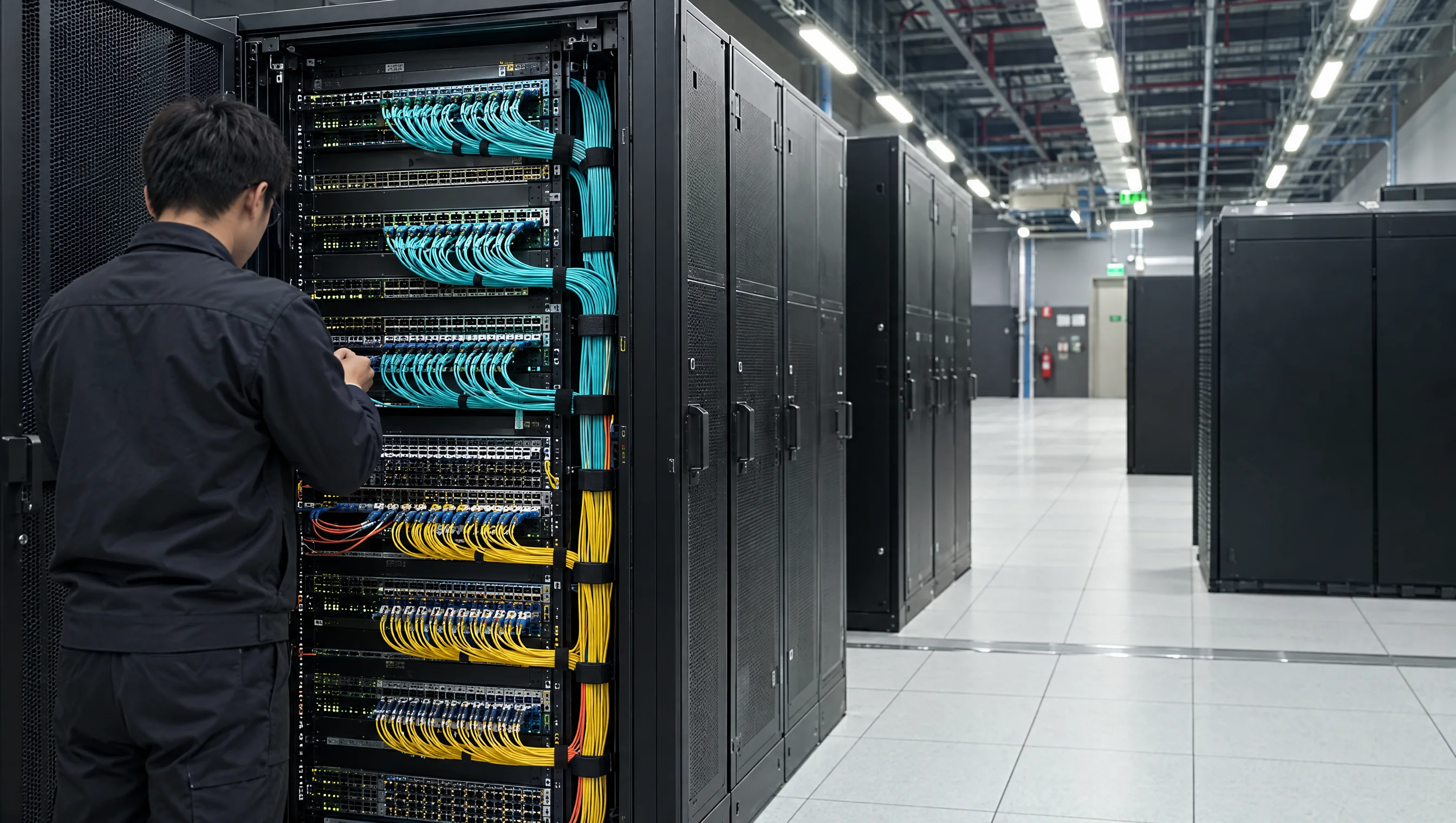
NETWORK & STORAGE
Plan the path your data takes
Explore network and storage options that keep datasets, checkpoints, and GPUs connected.
Plan the path your data takes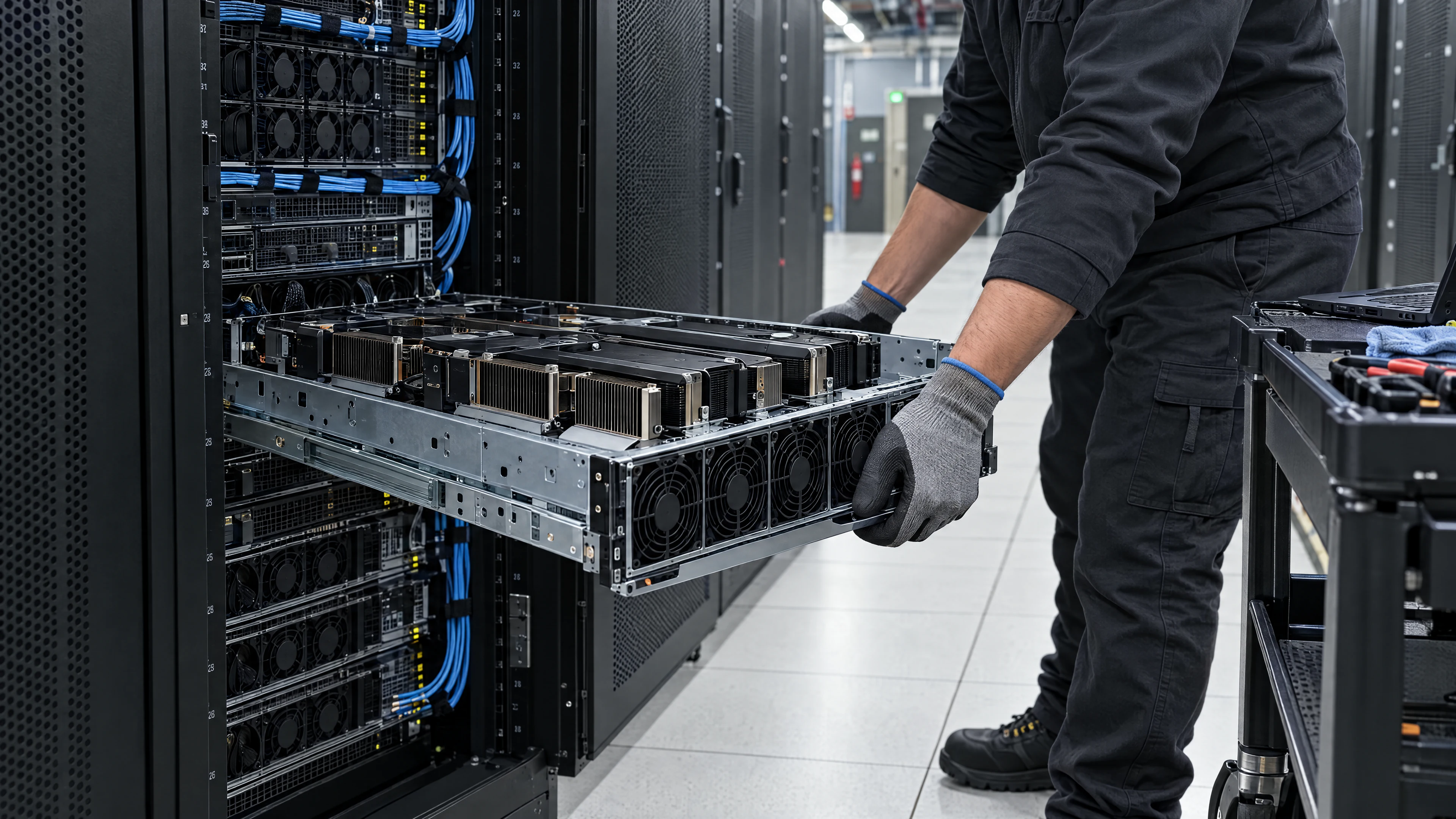
CLUSTER OPERATIONS
Know what happens before handover
See how TensorBay engineers plan, validate, and review your cluster before work begins.
Know what happens before handoverWhat makes a data center suitable for AI workloads?
AI clusters place concentrated demands on compute, power, cooling, networking, and storage. TensorBay plans these layers around the selected GPU configuration and workload.
How does TensorBay verify a cluster before handover?
Each cluster undergoes 72 hours of load, memory, network, and thermal checks. Your team reviews the results before delivery.
How is cooling planned for GPU systems?
Cooling is scoped to the GPU configuration and rack design. TensorBay infrastructure includes direct to chip liquid cooling in 130 kW racks.
How are network and storage planned?
Network topology and storage are planned around cluster size, data movement, and checkpoint needs. Your configuration is reviewed against the workload before handover.
What security controls can we review?
Physical access, identity, data protection, and media handling controls can be reviewed with the TensorBay team for your deployment.
08Give your idea room to grow
Plan the infrastructure behind your next AI run.
Tell us about your model, capacity goals, and timeline. We will help you map the GPU systems and infrastructure around them.
- A configuration built around your project
- A proposal with a delivery timeline
- Acceptance testing before you start